


Connect your Currently One device to Telldus Live!
Now, if you use an energy meter from Currently One, you can easily connect it to Telldus Live! and have all your energy data collected in one place. Only available for Android users.
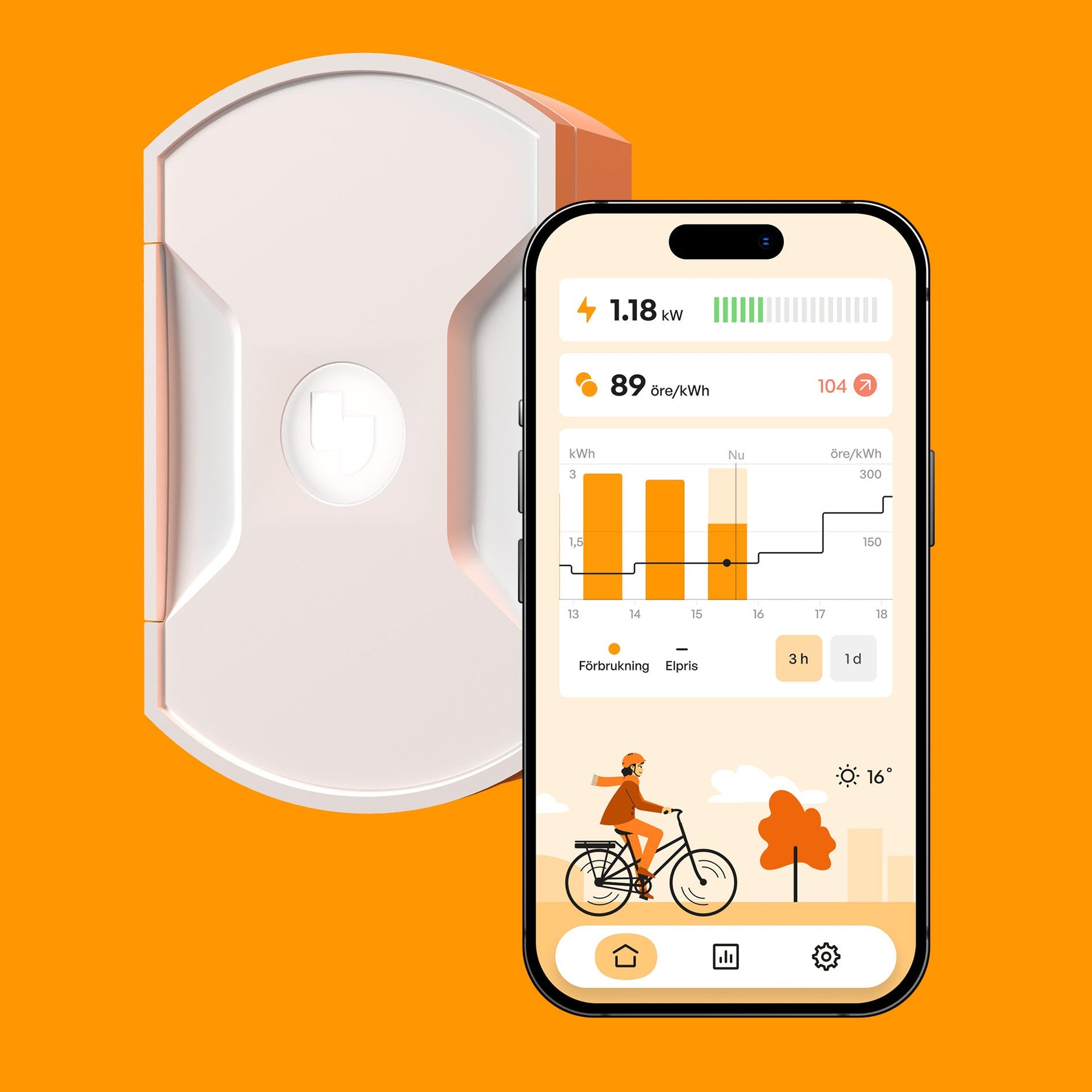
Connect your Currently One device to Telldus Live! – here's how
Now, if you use an energy meter from Currently One, you can easily connect it to Telldus Live! and have all your energy data collected in one place. In just a few minutes, you can track your consumption directly in the Telldus app – simple, smart and convenient.
👉 Start here:
https://live.telldus.com/currentlyone
Important to know: Only Android users can link their account at this time
Currently, the connection between Currently One and Telldus Live! is only possible for users who have the Currently One app on Android .
⭐ Why connect Currently One to Telldus Live?
By connecting your device you get:
-
Full overview of your energy consumption in Telldus Live
-
Clear graphs and history
-
Possibility to combine energy data with your other Telldus devices
-
Smart automations based on energy consumption
Here's how it works - step by step
1. Go to the connection page
👉 https://live.telldus.com/currentlyone
Here you will receive a brief introduction and can start the flow.
2. Log in to your Currently One account
Logging in is done via Google, which is the login option that works stably for Currently One at the moment.
3. Confirm which devices you want to pair
You will receive a list of your Currently One devices and confirm which ones should be added to Telldus Live.
The system also checks that no duplicates are created.
4. Select which TellStick/Hub the devices should be connected to
If you have multiple hubs, you can choose which one will receive the energy data.
5. Telldus handles the connection
The system will add the sensors and connect the accounts automatically. You will see a brief loading view.
6. Done!
You will receive a confirmation and your devices are now in Telldus Live, ready to show energy consumption in real time.